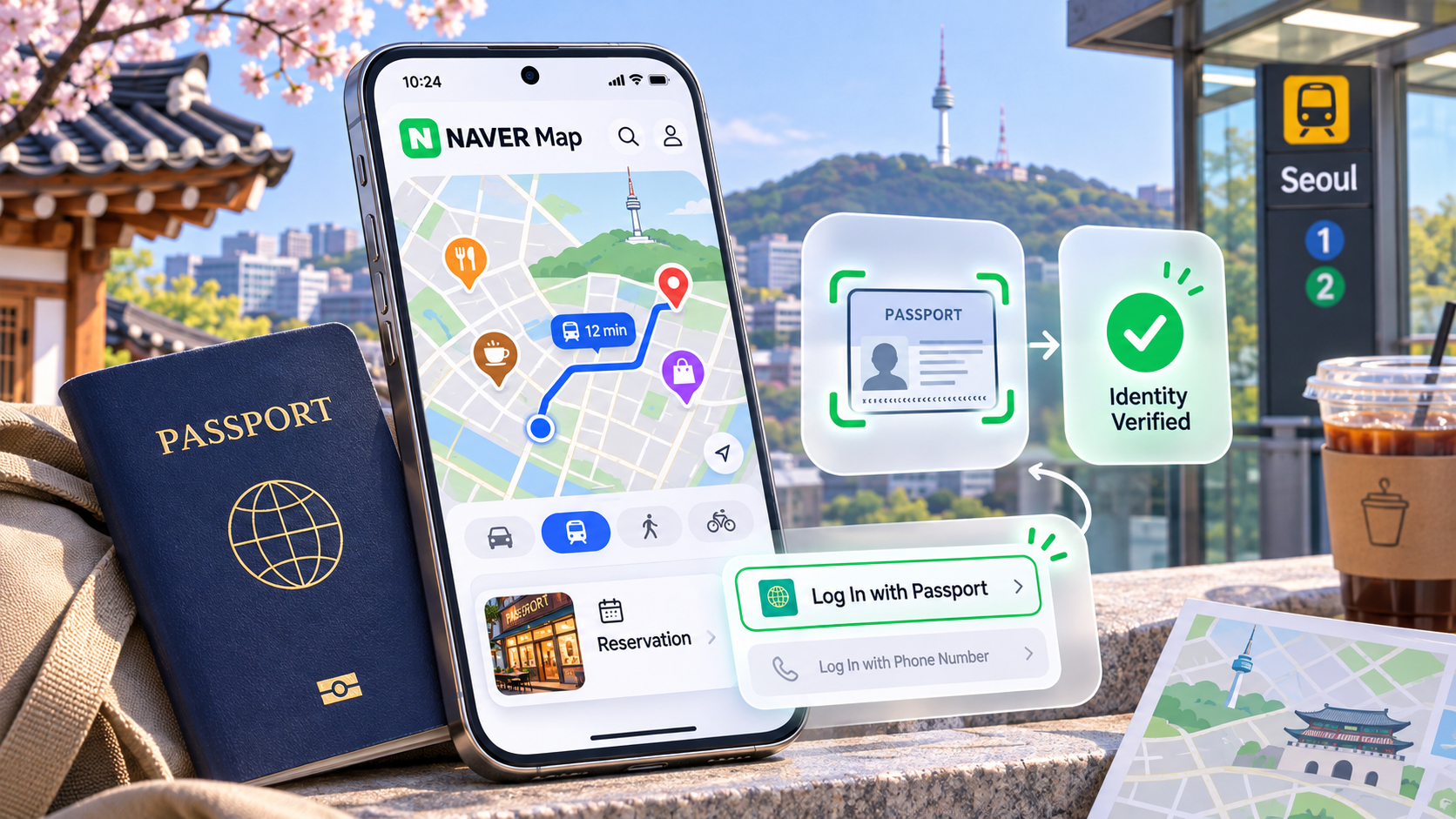
If you are visiting South Korea without a local phone number, you may have been told that you cannot book restaurants using NAVER. That blanket advice is out of date. On June 4, 2026, NAVER introduced passport-based identity verification for foreign users; it announced the change publicly on June 9. The new process is intended to help overseas visitors use NAVER Booking, NAVER Order and certain payment-related services, including flows reached through NAVER Map.
The critical distinction: identity verification is now possible without a Korean mobile number, but an eligible passport does not guarantee that every venue offers online booking, that every payment card will be accepted, or that every NAVER service supports the same verification method.
What changed in June 2026?
Previously, many booking and ordering workflows relied on Korean mobile-phone identity checks. NAVER's new option allows eligible foreign users to verify identity on a smartphone using a passport and facial matching instead. According to NAVER's June 9 press release, the aim is to make restaurant booking, ordering and payment more accessible to short-term visitors without local phone numbers.
This is a specific platform change, not a replacement for South Korea's separate telecom-based identity system. It also is not a general guarantee that any business listed on NAVER Map accepts reservations online.
Who is eligible?
NAVER's help center lists four important passport requirements:
- The passport must be issued by a country other than South Korea.
- It must still be valid.
- The same passport must not already have been used to verify another NAVER account.
- The passport's name and date of birth must match the information provided when registering the NAVER account.
You need the original physical passport, not just a saved photo. NAVER says the identity process requires a live camera photo of the document and then facial matching. If you are a Korean citizen with a Korean passport, the foreign-passport route is not designed for you.
How to prepare and verify
- Create or sign in to your NAVER account. Check that the account profile's legal name and birth date match your passport.
- Open the venue or service you want in NAVER Map. If a reservation or order is available, continue to that service.
- Follow the passport-verification prompt when offered. NAVER describes verification as part of the reservation or ordering flow; the exact position of buttons can vary with app updates.
- Allow camera access and photograph the original passport. Put it on a flat surface under even lighting, avoiding glare and cropped edges.
- Complete live facial matching. Keep your whole face inside the frame and follow the on-screen movement instructions.
- Return to the booking or order screen and review the final terms. Confirm the business, date, party size, payment method and cancellation conditions before submitting.
These steps summarize the published NAVER process; Seen in Korea has not completed a live identity verification with a real user's passport. There are no invented screenshots or claims of an independently tested success rate here.
What can still go wrong?
Your legal details do not match. Even a spelling difference between the account and passport may prevent verification. Check your account profile first rather than repeatedly submitting images.
The passport was used on another NAVER ID. NAVER explicitly lists this as an exclusion. Use its customer center rather than attempting to bypass a one-passport limit.
Camera or face matching fails. NAVER recommends bright, reflection-free conditions and clear, direct facial images. Avoid exposing passport scans to strangers offering unofficial assistance.
The restaurant has no online reservation inventory. Verification only solves identity access. It does not create a table at a fully booked venue.
The payment step fails. Payment acceptance is a separate merchant and card-issuer issue. Confirm accepted methods and the reservation status before leaving the screen.
Alternative: CATCHTABLE Global
The Korea Tourism Organization's June 2026 guide identifies CATCHTABLE Global as a reservation and waitlisting service designed for overseas visitors. The global service supports account creation via Google, Apple or email without requiring a Korean phone number. It can be a practical alternative when the restaurant is listed there, especially when you need to compare available times or join an eligible waitlist.
Neither NAVER nor CATCHTABLE covers every restaurant. If the venue has no suitable online option, ask whether direct telephone or email reservations are supported. Keep written confirmation if the restaurant provides it.
Before you leave for dinner
A successful reservation should show an explicit confirmation, not merely an account verification screen. Check the booking name, deposit policy, arrival instructions and cancellation window. For more on public transport and foreign-card payments, see our Seoul transit payment guide.
Bottom line: a Korean mobile number is no longer an automatic prerequisite for every NAVER-based restaurant booking. Passport verification removes one important barrier; individual service eligibility, payment acceptance and table availability still determine whether a reservation succeeds.